Bold Style | Functional Living
I’m so excited to launch this first in a series of short Zoom demonstrations showing how I use technology in business. The key to these Zoom calls is to share easy to digest information that can make working with clients (whether locally or virtually), and/or designing, so much easier.
This first demo is about how to use Photoshop to mockup a surface that needs styling – using accessories you (or your client(s)) already have.
I’ll show the exact way to this do:
- how to take photos of the surface that needs styling (or how to direct your clients to do it – if it’s for a virtual project), i.e: the scale and angle to take the photos
- how to take photos of the existing accessories that you plan to use
- how to upload the photo(s) onto your computer from your phone
- how to find images of accessories online and best practices
- how to step-by-step remove the background of the accessories photos to seamlessly drop them into the image of the surface
- how to layer your Photoshop file to make it easy to hide the accessories that you don’t need, but may want to go back to
- how to save and present your mockup to client
This is NOT a Photoshop class. This is not a decorating class. This is specifically going to be about this one topic, making it easy for you to learn this and then do your own research to expand your knowledge. Yes, I’ll show you how to do what I do IN Photoshop, but you’ll need some knowledge of Photoshop to be able to do some of this.
Why is this an important skill to have?
You can show virtual clients exact how you envision their space to look using actual pieces that they already own or new ones you source. Or, if you aren’t a designer, you can play around with the placement of pieces that you’re thinking about getting for your space!
I expect this demo to take between 45mins – 1 hour to demonstrate how I do this and then I’ll stay on for another 30 mins to take questions.
Again, this is not a Photoshop or a decorating class.
I’ll show you how to do this with multiple surfaces:
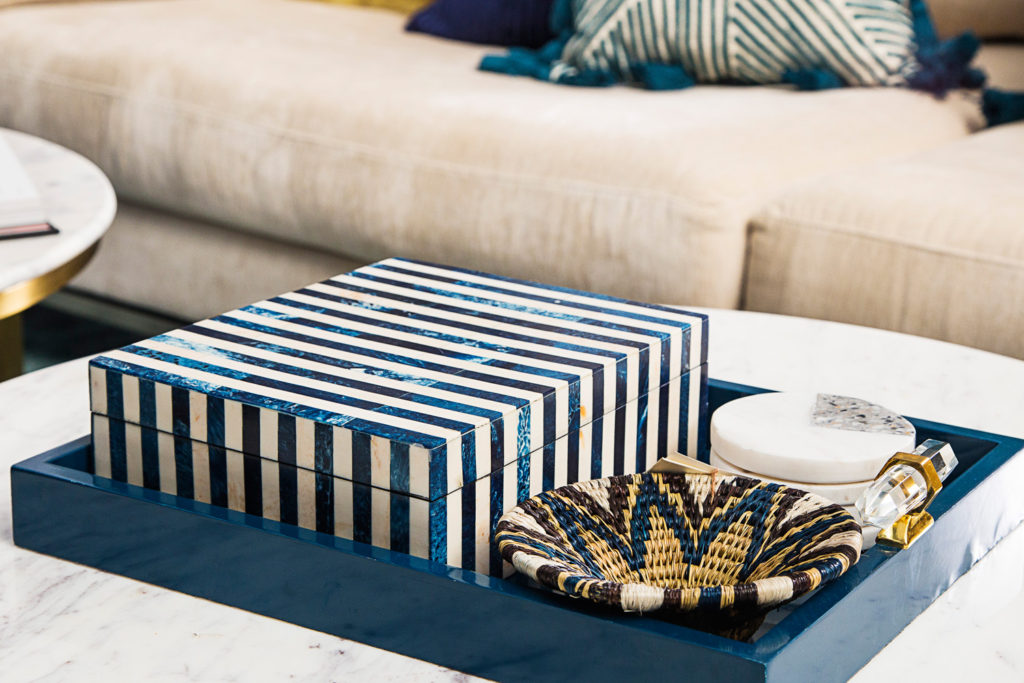
- coffee table
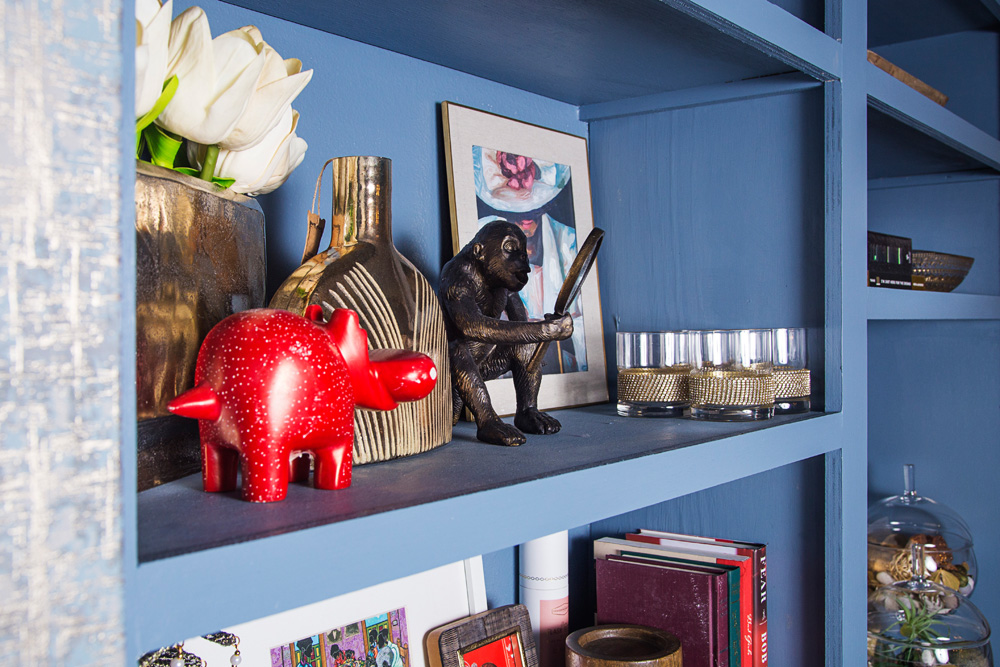
- bookcase
- media console
- kitchen counter
- fireplace surround
Do you need Photoshop to join the demo?
No, not unless you plan to actually follow along in real-time. If you have Photoshop and already know how to use it, you’ll be able to refer back to what you’ve seen me to do once you open Photoshop. Or, you’ve been on the fence on whether or not you want to download Photoshop and this demo is just what you need to decide.
Will this demo be recorded?
Yep, and signing up grants you an unedited copy of the recording so you can refer back to it whenever you need to!
SO, ARE YOU JOINING THE DEMO???
THIS WORKSHOP HAS BEEN HELD ALREADY. THE RECORDING IS AVAILABLE FOR PURCHASE BELOW.